 19c1ef9192
* feat(v4): add new UI (#2555)

* feat: add new footer ui

* feat: add new search box ui

* feat: add searchbox actions

* feat: add start screen

* feat: add no results screen

* feat: add new card ui

* feat: add new icons

* feat: add new key press class

* fix: cypress tests

* fix: circleci

* fix: circleci

* fix: close aria label

* fix: circleci

* fix: remove unused classes

* fix: circleci

* feat: update version

* feat: add new dark mode ui

* fix: colors

* fix: design review

* fix: hit title length

* fix: improve accessibility

* fix: ci

* chore: increase bundle size threshold

* fix: css

* feat(v4): ask-ai foundations ✨ (#2574)

* feat(v4): docsearch askAI context (#2587)

* fix(v4): ask ai updates (#2654)

* feat(v4): update beta documentation (#2659)

* chore: release v4.0.0-beta.0 (#2660)

* fix: make release run on branches like v4

* chore: release v4.0.0-beta.0

* hotfix: closing on askai error

* chore: release v4.0.0-beta.1 (#2661)

* fix: add a section on models

* fix: update to `<package>@beta`

* feat(docsearch-website): Updated docs (#2662)

* feat(v4): update the landing page (#2665)

* fix: beta in readme

* feat: added glow around the search bar and a little copy above the keyboard

* feat: add glow around the search bar and copy above the keyboard

* fix: Add more styling

* fix: polishing v4 (#2667)

* chore: release v4.0.0-beta.2 (#2668)

* fix: update docusaurus tarballs

* fix(website): update docusaurus tarballs

* fix: mobile search bar

---------

Co-authored-by: Vasco Bettencourt <32492444+vascobettencourt@users.noreply.github.com>
Co-authored-by: Natan Yagudayev <natanyagudayev@gmail.com>
3.8 KiB

The easiest way to add search to your documentation – for free.


DocSearch crawls your documentation, pushes the content to an Algolia index and provides a dropdown search experience on your website.
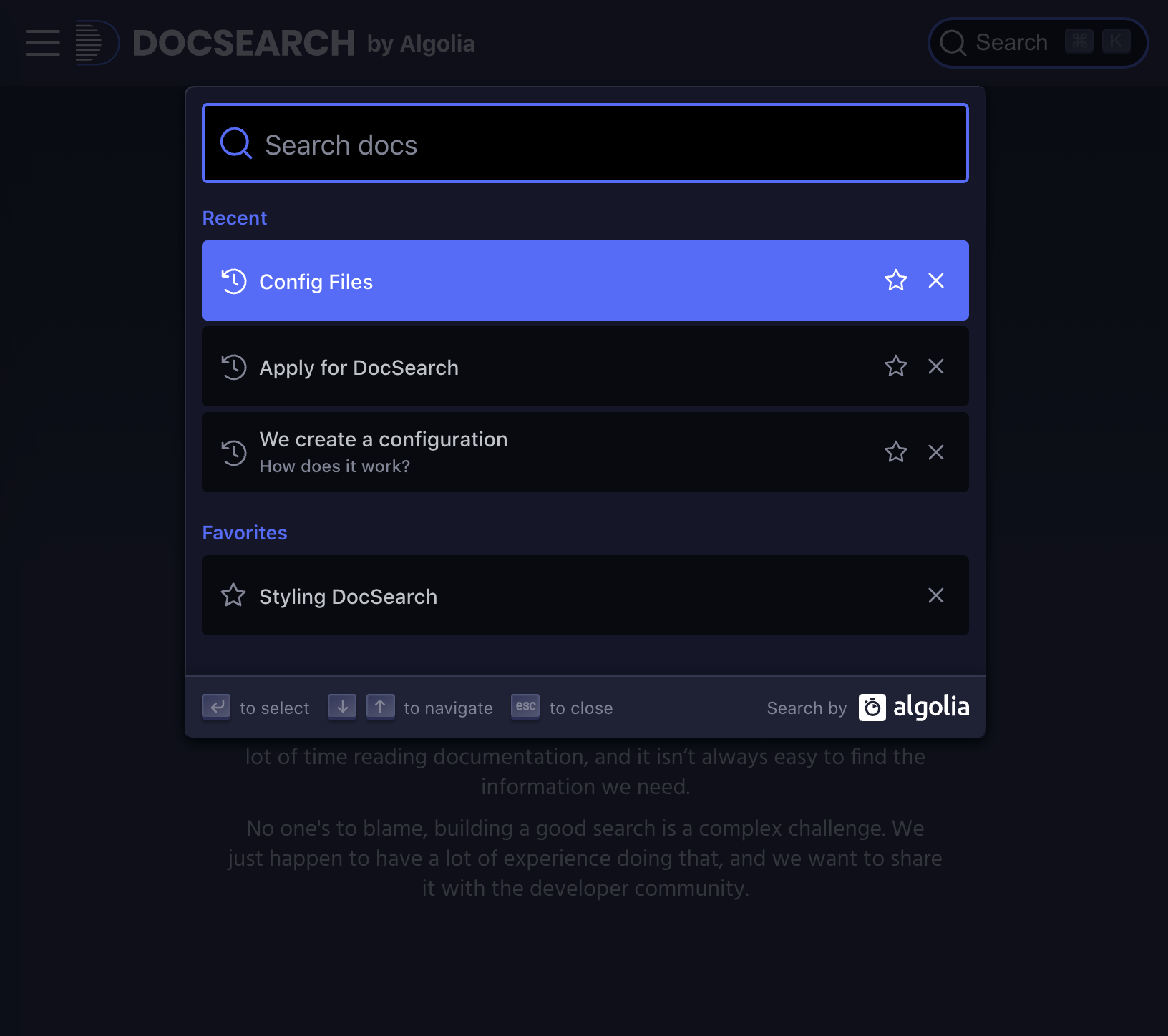
Preview

| Light | Dark |
|---|---|
 |
 |
Usage
Don't have your Algolia credentials yet? Apply to DocSearch!
JavaScript
Installation
yarn add @docsearch/js@beta
# or
npm install @docsearch/js@beta
If you don’t want to use a package manager, you can use a standalone endpoint:
<script src="https://cdn.jsdelivr.net/npm/@docsearch/js@beta"></script>
Get started
To get started, you need a container for your DocSearch component to go in. If you don’t have one already, you can insert one into your markup:
<div id="docsearch"></div>
Then, insert DocSearch into it by calling the docsearch function and providing the container. It can be a CSS selector or an Element.
Make sure to provide a container (for example, a div), not an input. DocSearch generates a fully accessible search box for you.
import docsearch from '@docsearch/js';

import '@docsearch/css';

docsearch({
  container: '#docsearch',
  appId: 'YOUR_APP_ID',
  indexName: 'YOUR_INDEX_NAME',
  apiKey: 'YOUR_SEARCH_API_KEY',
});
React
Installation
yarn add @docsearch/react@beta
# or
npm install @docsearch/react@beta
If you don’t want to use a package manager, you can use a standalone endpoint:
<script src="https://cdn.jsdelivr.net/npm/@docsearch/react@beta"></script>
Get started
DocSearch generates a fully accessible search box for you.
import { DocSearch } from '@docsearch/react';

import '@docsearch/css';

function App() {
  return (
    <DocSearch
      appId="YOUR_APP_ID"
      indexName="YOUR_INDEX_NAME"
      apiKey="YOUR_SEARCH_API_KEY"
    />
  );
}

export default App;
Styling
Related projects
DocSearch is made of the following repositories:
- algolia/docsearch: DocSearch source code.
- algolia/docsearch/packages/website: DocSearch website and documentation.
- algolia/docsearch-configs: DocSearch websites configurations that DocSearch powers.
- algolia/docsearch-scraper: DocSearch crawler that extracts data from your documentation.